Hi, I’m working on this post t this time so check for updates (03/12/26). Building a Network Attached Storage device for your home or buying one for your business.
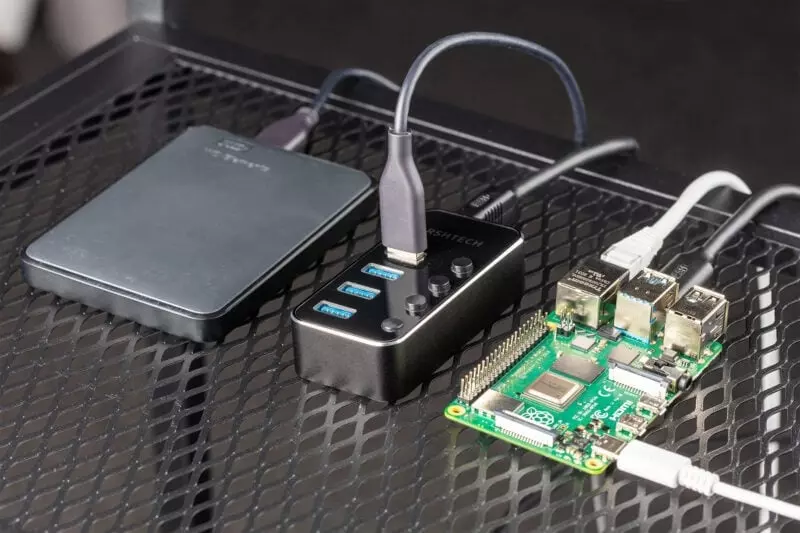
Building a NAS or Network Attached Storage for home use. Use those stored 2.5 and 3.5″ hard drives from your old PCs or new SSD.
If you’ve ever had a PC or laptop PC then you will know that inside that machine is a storage component known as Hard Disk Drive or HDD. Though HDD’s are still used the majority of PCs now have a SSDs or Solid State Drives which are faster, more durable and lighter, without moving parts.
I tend to remove my HDD from my PC’s. They can be connected to your new machine via a StarTech.com SATA to USB Cable – USB 3.0 to 2.5” SATA III Hard Drive Adapter for External Converter for SSD/HDD Data Transfer cable. Simply plug the cable into the hard drive and the other end into a USB port. Then you can read the data on the drive.
When this is used in NAS set-up all the data on that drive will be lost. So remember to back-up the data if you haven’t transferred it to your new machine.
What is a NAS?
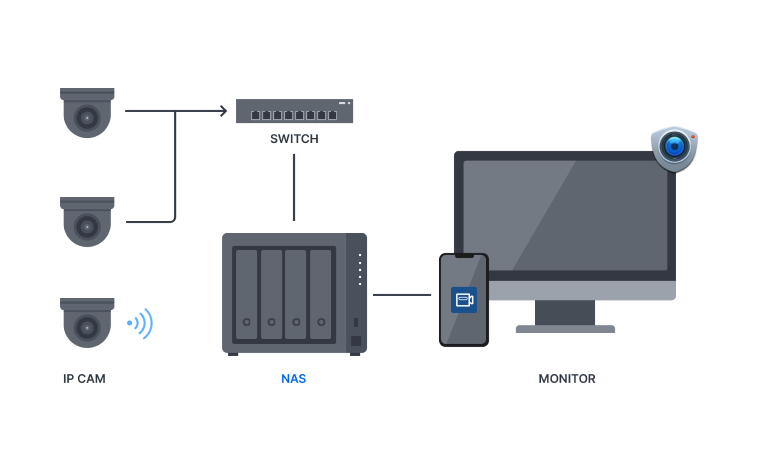
Typical Home Network with NAS shared storage.
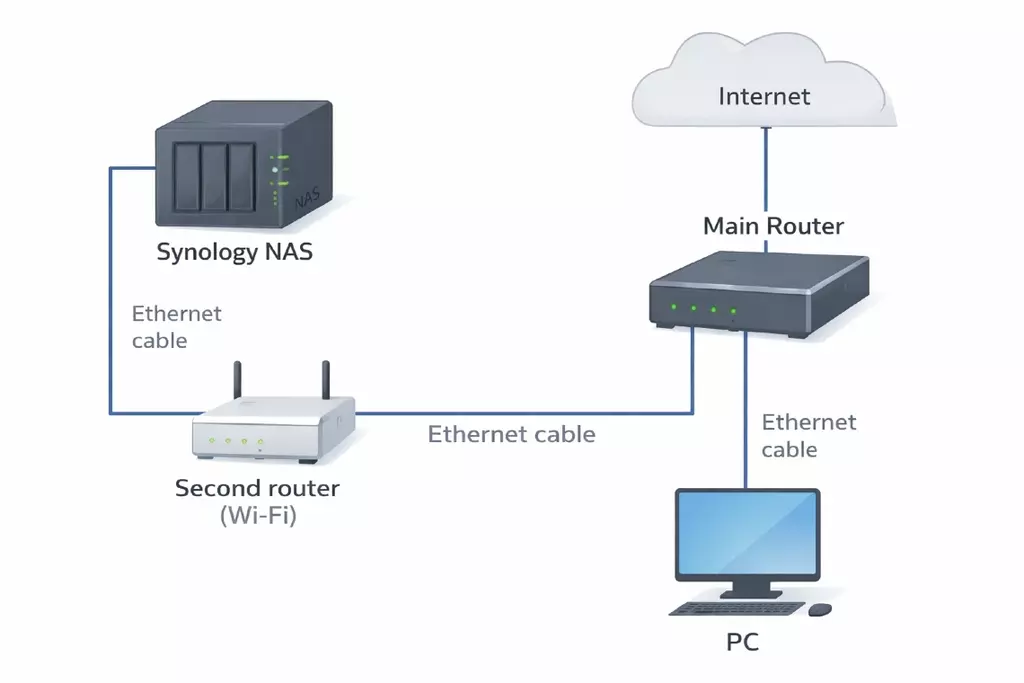
A NAS (Network Attached Storage) is:

A hard drive (or several drives) that lives on your network instead of inside one computer.
You plug it into your router, not into a PC.
What does a NAS do?
Think of it as a shared filing cabinet that every device in your house can open.
It can:
- Store files (documents, photos, music, video)
- Share files between computers
- Act as a backup destination
- Stream media (TVs, tablets, phones)
- Be accessed remotely (if you choose)
NAS vs External USB Drive
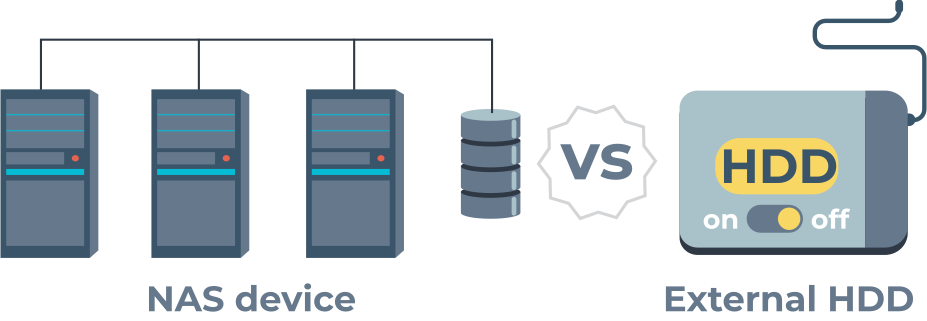

| USB Drive | NAS |
|---|---|
| Plugs into one computer | Plugs into the network |
| Only works when that PC is on | Always available |
| Single user at a time | Multiple users |
| Simple | Smarter |
What’s inside a NAS?

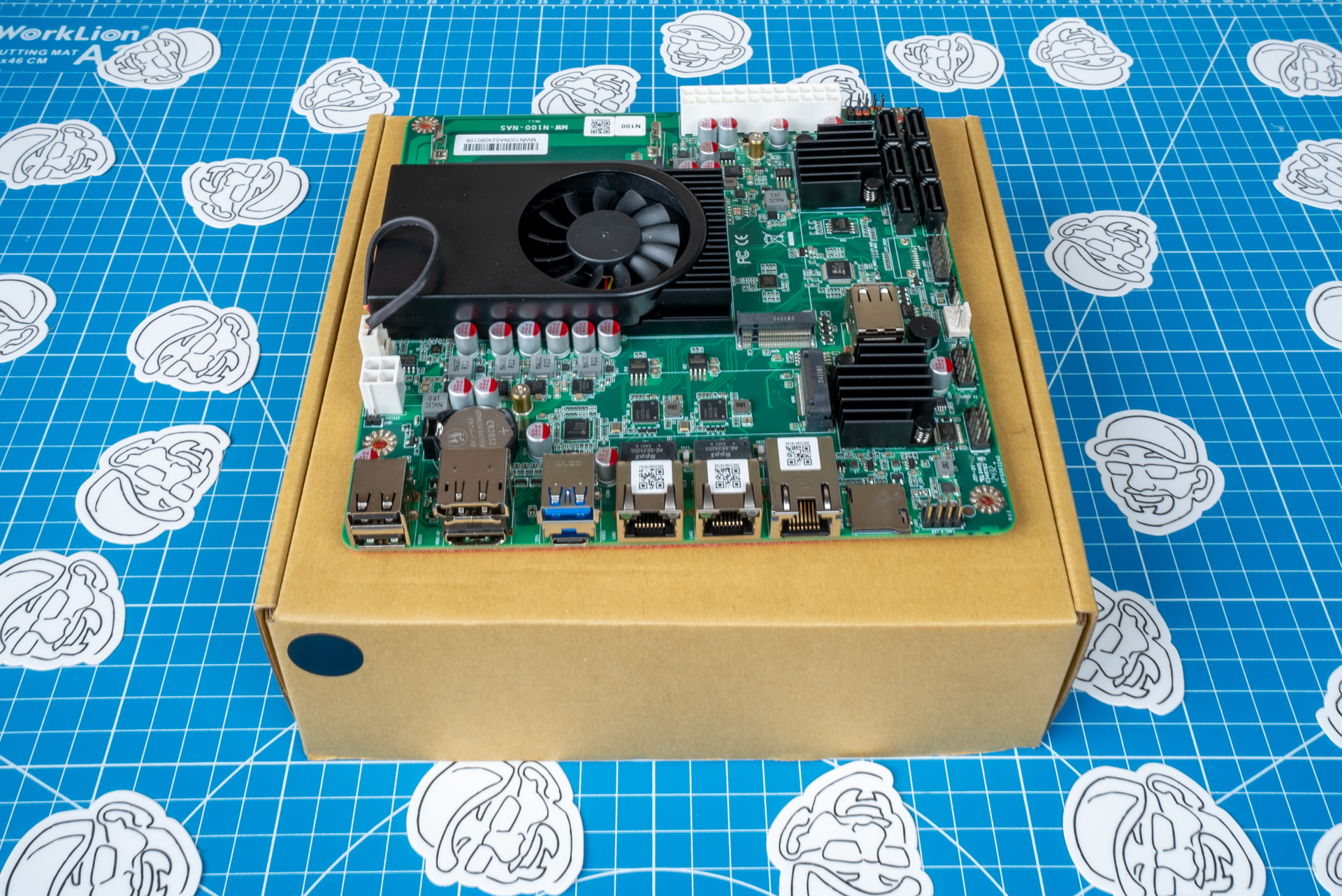
Inside the box:
- Small computer (CPU + RAM)
- One or more hard drives
- Network connection (Ethernet)
- Special operating system
So really, a NAS is just:
A tiny computer whose main job is to look after storage
Why people use a NAS
- Central place for everything
- No more “where did I save that?”
- Automatic backups
- Long-term archive
- Quiet, low power, always on
For someone like me it’s good for:
- Photos
- Projects
- Property docs
- Music (accessible via the web! yes!)
- Backups of your websites
“Proper” NAS vs Raspberry Pi NAS

Commercial NAS
Examples: Synology, QNAP
- Polished interface
- More expensive
- Very reliable
Raspberry Pi NAS
- Uses standard USB drives
- Cheap / already owned
- More hands-on
- Flexible
Functionally?
👉 They do the same job.
One-sentence summary
A NAS is your own private cloud, sitting quietly on your network, holding your files and serving them to anything that needs them.
Building the PI next……
In addition to this Post I will add others.
- When to use a HDD enclosure.
- How to look after an external HDD.
- Virus scanning and when NOT to attach an external hard drive to a PC.
- I will pick-up on NVMe storage.
- And anything else related to computer storage devices other thatn US drives and SD Cards etc.